
Ok So I Built A Thing – A Morse Trainer
For a little while now I have been trying to learn morse code (CW) and its been going, OK at best. I am able to call CQ at about 15 words per minute but anything other than that I am struggling to send more than 2 words per miniute and my accuracy is abysmal. I also cannot “head copy” at all. I can recognise someone transmitting CQ but not their callsign or anything else. I have resorted to using a realtime morse decoding app on my phone but that is a crutch I dont want to become dependant on forever.
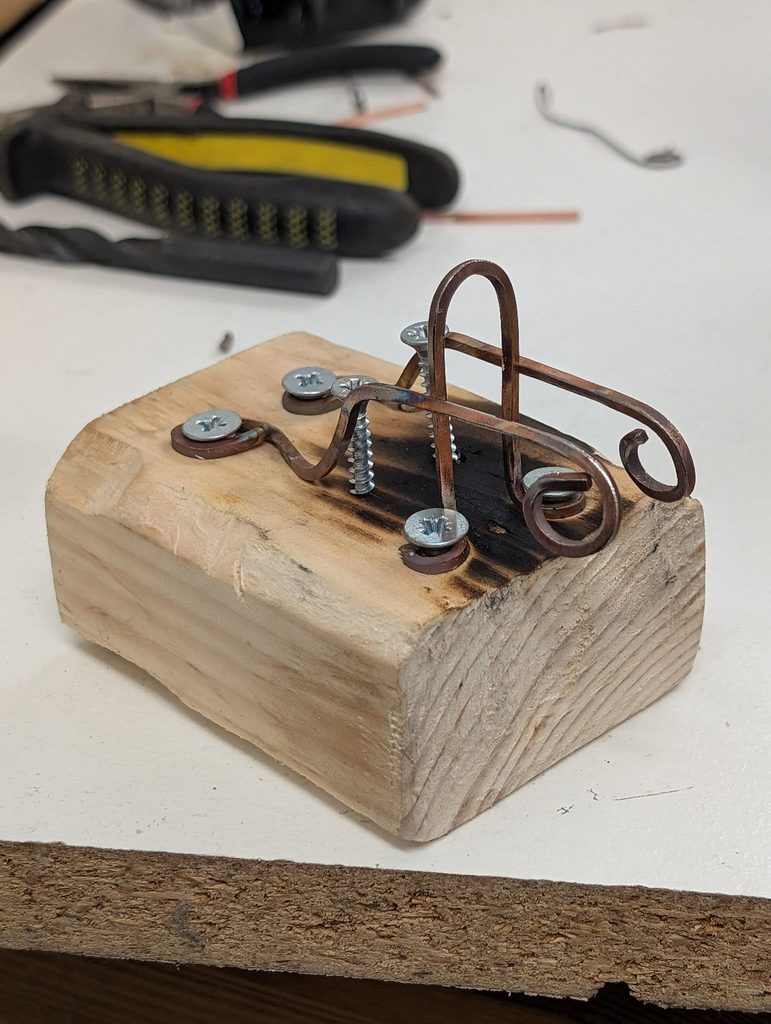
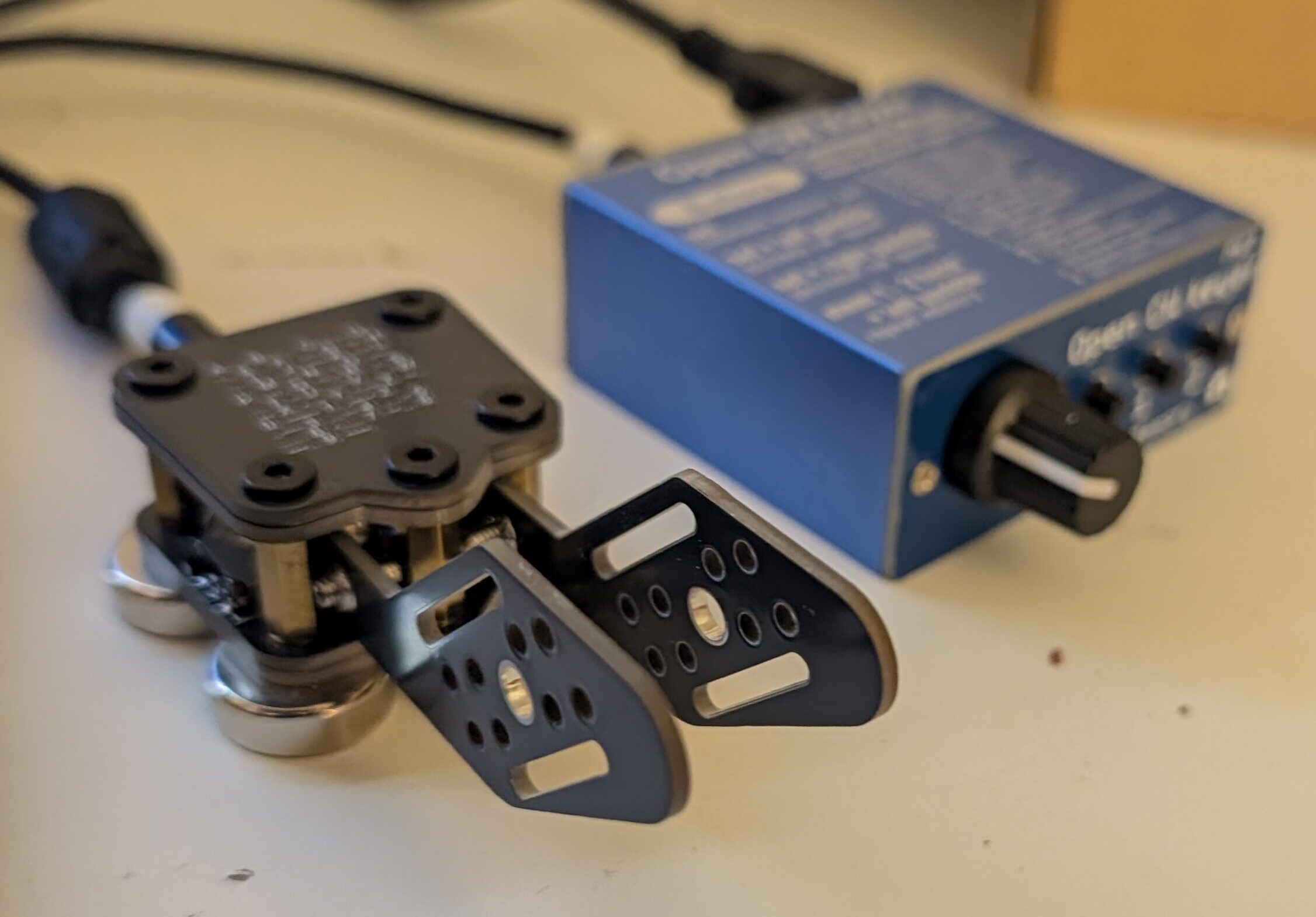
I know that there are many different methods and ways to learn these skills, but I am more of a practical learner. I learn by doing. I have looked around the interwebs for a program that would allow me to connect my iambic CW paddle to my computer and take me through training drills for sending and head copying CW, but have struggled, either due to the program not recognising my paddle inputs or just not having the feature I wanted.
I bought a CW keyer to interface between the computer and my paddle (Open CW Keyer MK2 based on the K3NG firmware) and was still having trouble getting my paddle inputs into my computer reliably or at all in some cases. So I decided balls to it. I am going to get AI to help me code my own.
I have to say the biggest challenge so far was getting my keyer to talk to my computer reliably in a format that was useful for the purpose of what I was trying to achieve, and I went down the path of trying to get the keyer to simply transmit the tones directly into the computer and let the computer do the decoding work. After chasing this method into several dead ends, I finally realised I was putting the cart before the horse in terms of where the decoding should be taking place.
After bashing my head against my desk I realised that if I have a keyer capable of decoding the paddle inputs before they ever get sent to the computer, why the hell am I trying to get the computer to do the heavy lifting? The answer was PEBKAC. The Problem Exists Between the Keyboard And Chair.
Once I realised I was making this project more difficult for myself and gave myself a mental slap. I was able to make some adjustments to the keyer firmware and very quickly made progress.
I openly admit I relied on AI to do the heavy lifting for the coding of this project, and as usual I make no apologies for that. I cant code. AI can.
So now I have a program that runs (primarily on linux distros). It has several features including :
- Koch single letter training
- 2,3 and 4 letter word training
- Core QSO vocab training (with meanings)
- Add/name/delete multiple profiles with individual progress tracking
- Headcopy practice mode
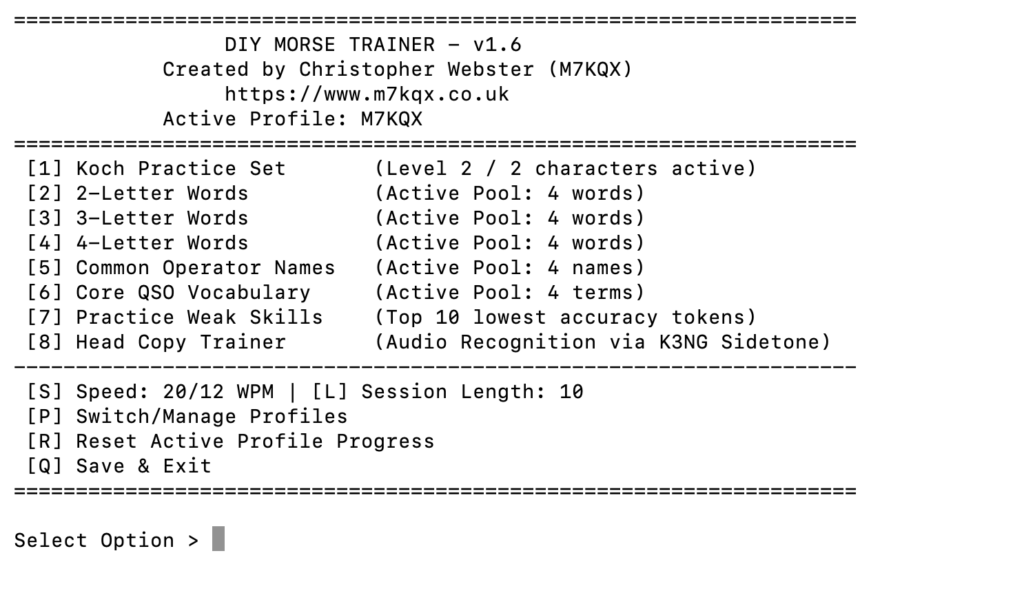
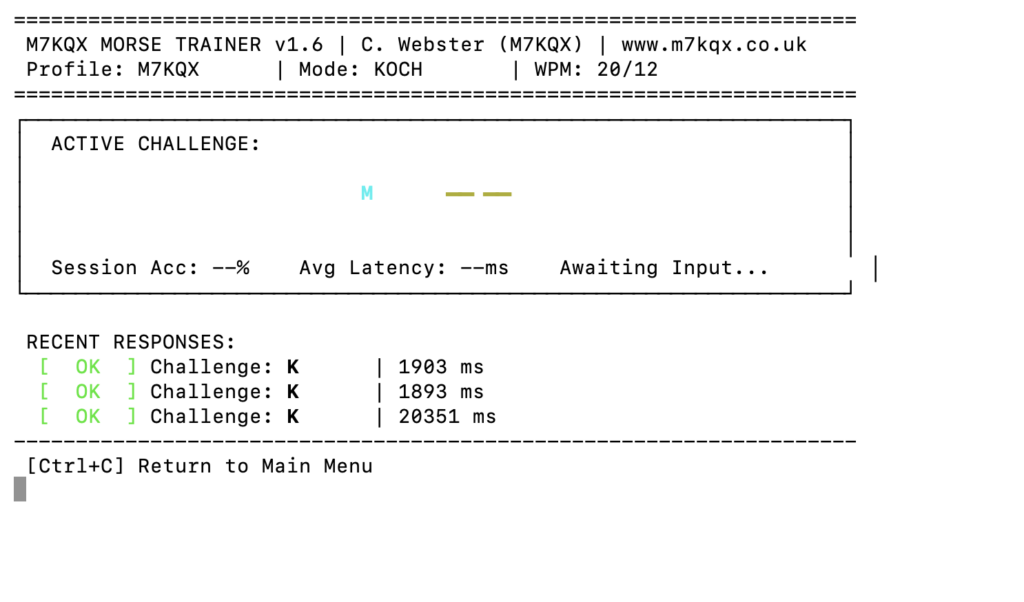
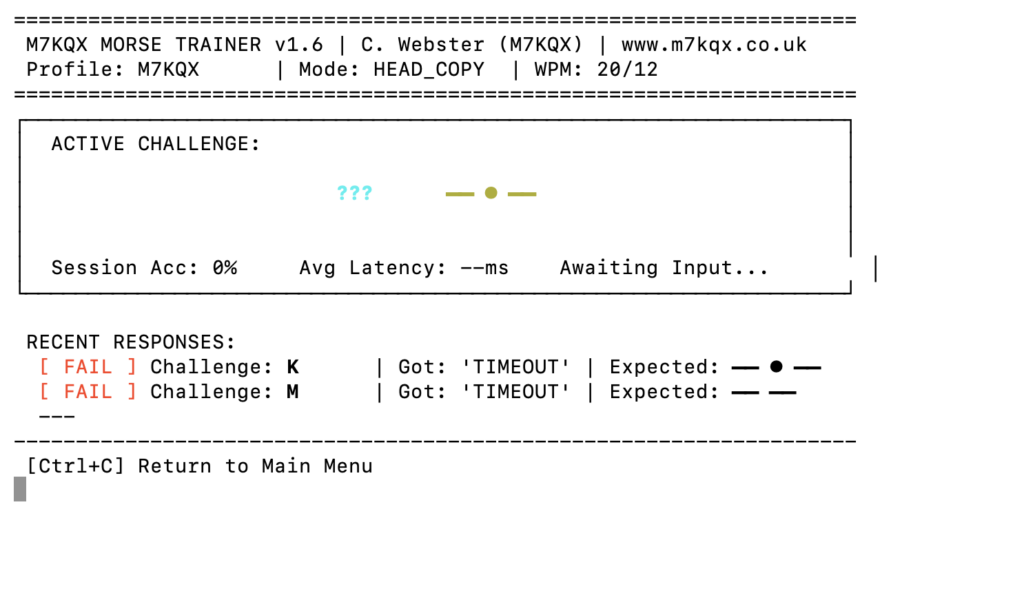
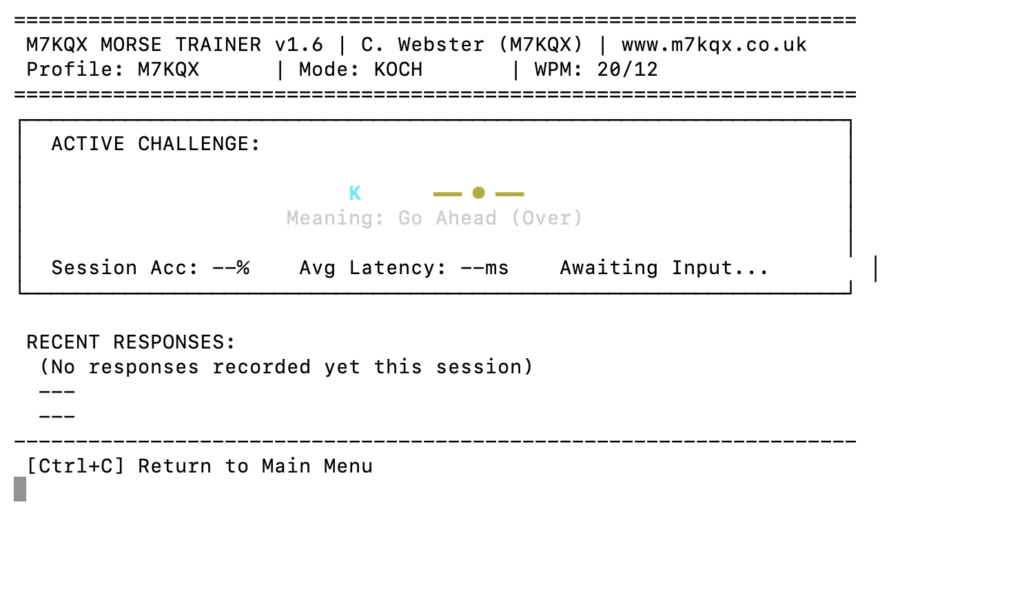
So long story short I have used a tool to make a thing and it works. Feel free to visit my Github Repo and download the source code and executable and try it out. It isnt perfect, but it does what I needed it to do, and it may do the same for you.
## Hardware Requirements
This trainer is built specifically to interface with the **Open CW Keyer (K3NG firmware)**.

## K3NG Firmware Configuration
For the application to read your paddle input, your keyer must be configured to echo decoded ASCII characters over the serial port at 115200 baud.

Ensure the following flags are active in your `keyer_features_and_options.h` file before compiling and uploading to your keyer:

*   `#define FEATURE_COMMAND_LINE_INTERFACE` (Required to output readable text)
*   `#define OPTION_PROG_MEM_TRIM` (Often needed on Nano/Uno to fit the CLI feature into memory)

Ensure the default CLI baud rate is set to `115200` in `keyer_settings.h`.

## Running the Application
No installation or Python environment is required. Simply run the executable provided for your operating system. Connect your keyer via USB before launching the application.

**Linux / Raspberry Pi OS Note:**
You may need to mark the downloaded file as executable before it will run:
`chmod +x morse_trainer_v1_5`

Ensure your user account has permission to access serial ports:
`sudo usermod -a -G dialout $USER`